
Changing html with javascript is very simple but tricky, one can use InnerHTML javascript property to do that. Below I will show you how to do this step by step.
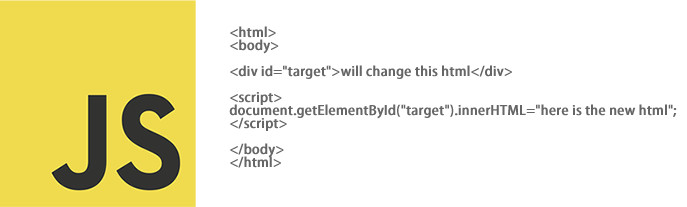
<html>
<body>

<div id="target">will change this html</div>

<script>
document.getElementById("target").innerHTML="here is the new html";
</script>

</body>
</html>
Our goal is to change the html content of the div, which ID is “target”, with a new html content.
first we have to catch the dive that has ID “target” by using this document.getElementById(“target”)
document.getElementById(“target”).innerHTML=”here is the new html”;
And this line will change the inner html of the “target” div.
Pretty simple!!